≡ Menu

Genre: eLearning | MP4 | Video: h264, 1280×720 | Audio: AAC, 48.0 KHz
Language: English | Size: 5.14 GB | Duration: 10h 50m

Beschreibung:

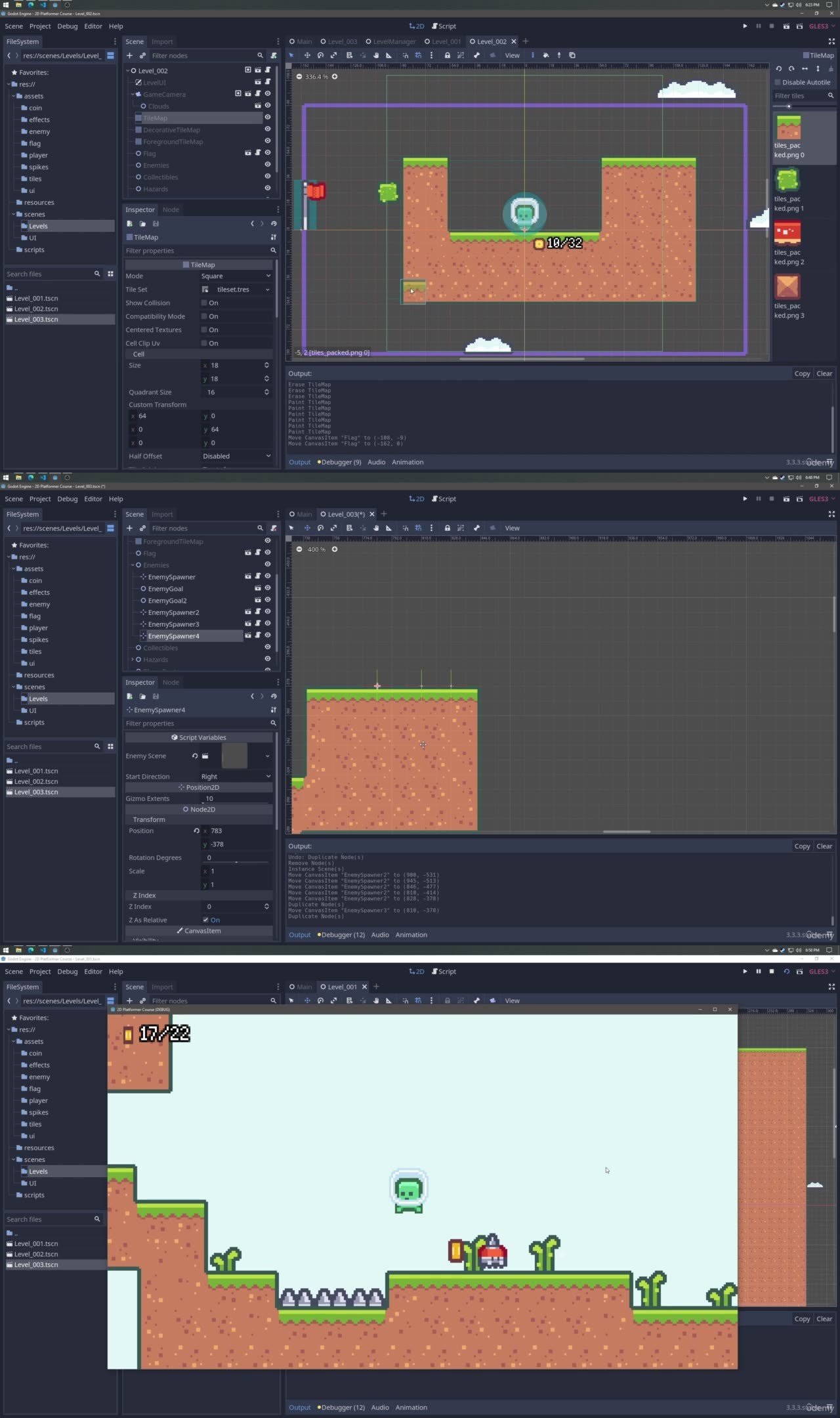
Learn how create 2D platformer from scratch in the Godot Engine, complete with particles, sound effects, UI, and more!
What you’ll learn
2D platformer mechanics – double jumping, dashing, collectables, and enemies
Polish & Game Feel – particles, camera shake, scene transitions, and sound effects
UI – main menu, pause menu, options menu, and other elements
Publishing – exporting the project executable, updating the executable icon, and changing the boot splash
Godot Engine Concepts – leveraging a variety of nodes, structuring scenes, signals, and more

Description
This course will cover everything you need to know about creating a small 2D platformer from start to finish in the Godot Engine. This course covers all aspects of creating a complete platformer game in Godot including:

Game mechanics like player movement, collectibles, and basic combat

Hazards like spikes and enemies

A seamless game loop and transitions between levels

Scene structure and project organization

Sound effects

A main menu, pause menu, options menu, and other UI elements

Finishing touches like camera shake, basic shaders, particle effects, and UI animations

This list is not exhaustive – please see the course outline for a glimpse into the topics that are covered.

The goal of this course is to show you how to take an empty project and turn it into a small, complete game. In doing so, this course will expose you to many aspects of the Godot engine from input handling, to tilemaps, to particles, to audio, and more. By the time you complete this course, you will feel comfortable working on your own projects in Godot. You will walk away from this course with a solid foundational understanding of making games that are not only functional but also fun.

This course will help you greatly if:

You have some game development knowledge and want to learn Godot

You have some programming knowledge and want to make games

Your games feel sterile and lack polish

You struggle to complete games and want to start and finish a project

You regularly participate in game jams and want to improve your ability to craft a fun but short experience

Please note that this course is focused purely on the start-to-finish process of making a game. As such, there isn’t any time spent explaining fundamental programming concepts. Familiarity with programming is strongly recommended before taking this course. Any programming experience is fine – GDScript is easy to use.

Who this course is for:
Intermediate programmers
Intermediate game developers
Beginner game developers with programming experience
Individuals who are looking to push their project over the edge by adding polish and game feel

Mirrors zeigen


  oboom.com share-online.biz rapidgator

{ 0 comments }

Genre: eLearning | MP4 | Video: h264, 1280×720 | Audio: AAC, 44.1 KHz
Language: English | Size: 1.18 GB | Duration: 2h 39m

Beschreibung:

Build and utilize advanced API management services for your cloud system
What you’ll learn
Overview of API cloud system for a real experiment
Get knowledge to use the API components
Build and monitor the APIs for execution
Comparing API apps with API management
In-depth knowledge for securing API services
Add caching to improve performance

Description
Microsoft Azure provides various services for its cloud support, and organizations from all sizes would like to hire azure professionals for their business support.

This course will help you to cover all skills and knowledge of Azure API management services and make your work much easier.

These API management services fill the gap between internal developers and external partners by publishing API’s. The front-end API’s is responsible to monitor and control the whole API services.

Changing the API configuration will make the API services adapt for project execution. Transformation policies will help you to perform the changes in the API section.

Activity and diagnostics logs will support the API’s security functions and real-time visibility is also possible with View metrics.

You should be aware of revision handling and all functions to perform API without any error. For this, you need proper training and knowledge from a real-time expert. In this program, you will be trained by the corporate and software trainer, Sandeep Soni. This course is a gateway to establish your potential to launch a full-fledged API program that will be useful for your project execution.

Benefits of API Management

Work with any host, API, and scale.

Attract more developers.

Secure and optimize your APIs.

Gain insights into your APIs.

To use API Management, administrators create APIs. Each API consists of one or more operations, and each API can be added to one or more products. To use an API, developers subscribe to a product that contains that API, and then they can call the API’s operation, subject to any usage policies that may be in effect.

APIs and operations

APIs are the foundation of an API Management service instance. Each API represents a set of operations available to developers. Each API contains a reference to the back-end service that implements the API, and the map of its operations to the operations implemented by the back-end service. Operations in API Management are highly configurable, with control

over URL mapping, query and path parameters, request and response content, and operation response caching. Rate limit, quotas, and IP restriction policies can also be implemented at the API or individual operation level.

Products:

Products are how APIs are provided to developers.

Products in API Management have one or more APIs, and are configured with a title, description, and terms of use.

Products can be Open or Protected. Protected products must be subscribed to before they can be used, while open products can be used without a subscription. Subscription approval is configured at the product level and can either require administrator approval or be auto-approved.

When a product is ready for use by developers it can be published.

Groups are used to manage the visibility of products to developers.

Groups:

API Management has the following immutable system groups.

Administrators – Azure subscription administrators are of this group. Administrators manage API Management service instances, creating the APIs, operations, and products that are used by developers. members

Developers – Authenticated developer portal users fall into this group. Developers are the customers that build applications using your APIs. Developers are granted access to the developer portal and build applications that call the operations of an API.

Guests – Unauthenticated developer portal users, such as prospective customers visiting the developer portal of an API Management instance fall into this group. They can be granted certain read-only access, such as the ability to view APIs but not call them.

Note: In addition to these system groups, administrators can create custom groups or leverage external groups in associated Azure Active Directory tenants.

Policies:

Policies are a powerful capability of API Management that allows the publisher to change the behavior of the API through configuration.

Policies are a collection of statements that are executed sequentially on the request or response of an API.

Popular statements include format conversion from XML to JSON and call rate limiting to restrict the number of incoming calls from a developer, and many other policies are available.

Who this course is for:
Programmers in cloud management
Software Engineers
Software Architect
Azure Developers

Mirrors zeigen

  oboom.com share-online.biz rapidgator

{ 0 comments }

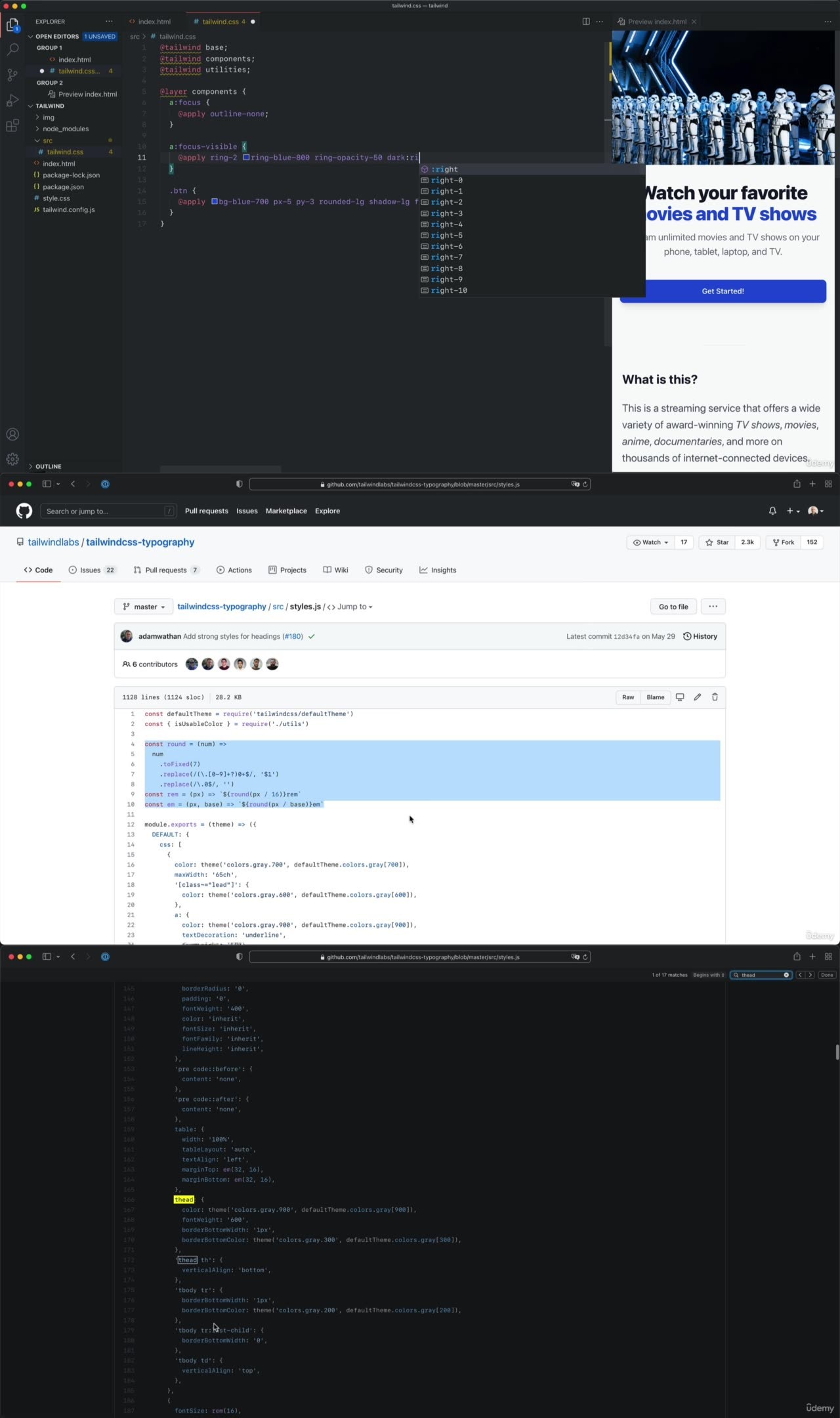
Udemy – Tailwind CSS Fundamentals

Genre: eLearning | MP4 | Video: h264, 1280×720 | Audio: AAC, 48.0 KHz
Language: English | Size: 808 MB | Duration: 1h 19m

Beschreibung:

The new generation of CSS with the Just-in-Time engine.
What you’ll learn
Installing and configuring the ideal environment for working with Tailwind CSS
Build a site from scratch, following the latest standards of web development
Responsive design
Apply CSS states
Implement an automatic dark mode
Reuse classes (don’t repeat yourself)
Using the 4 official Tailwind CSS plugins
Using the Just-in-Time engine

Description
Tailwind CSS is a modern and increasingly popular framework that is changing the way we work with CSS.

Its bet is quite radical: using HTML to define the page styles. Interesting, isn’t it? But… why not use inline styles then? Well, Tailwind CSS is quite superior to that, and in this course, I will show it to you, saving you the work of study and research.

As an example, and as a course project, you will build a Netflix-like landing page using the Tailwind CSS utility classes. You will gradually improve and complete it with features such as the following:

Responsive design

CSS states

Dark mode

Reusing styles (don’t repeat yourself)

You will learn how to use, in a convenient way, the 4 official Tailwind CSS plugins:

TailwindCSS-Typography: to style texts (for example, those coming from a database)

TailwindCSS-Forms: for styling forms

TailwindCSS-Aspect-Ratio: to control the aspect ratio of images

TailwindCSS-Line-Clamp: to limit text and achieve visual harmony

You will use the Just-in-Time engine from the start. It is one of their most recent and exciting new features, and it will be their default working mode in version 3.0, so I have designed the course with this engine in mind.

Many websites already use Tailwind CSS, including some popular ones like GitHub, Heroku, Kickstarter, or Twitch.

I think it is worth learning this framework because it defines a very different and helpful way of working, which other frameworks have already copied. With this course, I make it easy and very practical for you to have a good base and build any page you want.

If you haven’t decided yet, you can watch for free the lesson where we build a page from scratch. So you can see the whole process.

The course is alive, and I will update it as Tailwind CSS evolves. You also have access to the repository where I publish the source code of the pages.

After each module of lessons, you will take a quiz to check that you haven’t missed anything important.

And of course, if you have questions, you can post them in the Q&A section, where I will answer them.

See you inside!

Who this course is for:
Web designers and developers who want to improve their frontend skills
Students with knowledge of HTML and CSS who want to learn a new way of working
Whoever wants to learn new technologies in web development

Mirrors zeigen

  oboom.com share-online.biz rapidgator

{ 0 comments }

MP4 | Video: AVC 1276 x 716 | Audio: AAC 44 Khz 2ch | Duration: 26:12:01 | 8.85 GB

Beschreibung:

One of the greatest and most complete books about ASP.NET Core!
Delcoigne Vincent, Wavenet

Fully updated to ASP.NET 5.0, ASP.NET Core in Action, Second Edition is a hands-on primer to building cross-platform web applications with your C# and .NET skills. Even if you’ve never worked with ASP.NET you’ll start creating productive cross-platform web apps fast.

about the technology
Build full-stack web applications that run anywhere. Developers love ASP.NET Core for its libraries and pre-built components that maximize productivity. Version 5.0 offers new features for server-side apps, as well as background services for cross-platform development.

about the book
ASP.NET Core in Action, Second Edition is a comprehensive guide to creating web applications with ASP.NET Core 5.0. Go from basic HTTP concepts to advanced framework customization. Illustrations and annotated code make learning visual and easy. Master logins, dependency injection, security, and more. This updated edition covers the latest features, including Razor Pages and the new hosting paradigm.

what’s inside
Developing apps for Windows and non-Windows servers
Configuring applications
Building custom components
Logging, testing, and security
about the audience
For intermediate C# developers.

about the author
Andrew Lock is a Microsoft MVP who has worked with ASP.NET Core since before its first release.

The most comprehensive ASP.NET Core book on the market. It covers just about everything you need to learn to quickly become productive in the often confusing and fast-changing world of .NET Core.
Filip Wojcieszyn, Sonova AG

Fantastic book. The topics are explained clearly and thoroughly.
Luis Moux, EMO

A comprehensive reference for ASP.NET Core.
Jean-François Morin, Laval University

NARRATED BY JULIE BRIERLEY

Mirrors zeigen

  oboom.com share-online.biz rapidgator

{ 0 comments }

Erscheinungsdatum: 10.09.2021
Laufzeit: 5 Std. 37 Min. (43 Videos)
Formate: (Win)RAR,(HD720)MP4,NFO
Kenntnisse: Einsteiger + Fortgeschrittene
Grösse: ca. 2350 MB (4 Parts, inkl. Projektdatei)

Beschreibung:

Die Grundkenntnisse zur Data Query Language (DQL) ausbauen und vertiefen

Vielleicht erscheint es Ihnen mittlerweile als zu langweilig, immer nur auf eine einzelne Tabelle zuzugreifen. Daher startet dieser Teil der mehrteiligen LinkedIn Learning-Kursreihe mit dem Thema JOIN. Dieser hat eine Vielzahl an Facetten, um Daten aus unterschiedlichen Tabellen zu kombinieren, lässt Sie aber auch herausfinden, zu welchen Daten noch weitere Informationen fehlen. Aber nicht nur das gemeinsame Verwenden von mehreren Tabellen in den unterschiedlichen Varianten ist hier das Thema. In dem zur Data Query Language zweiten Teil werden aufbauende Themen für komplexe Abfragen behandelt. Mein Name ist Klemens Konopasek, ich unterrichte als Datenbankentwickler schon seit vielen Jahren Datenbankthemen. Wenn Sie mit dem Aufbau von relationalen Datenbanken grundsätzlich vertraut sind und die Themen des vorangegangenen Kursteiles dieser Serie beherrschen, öffnen Sie nun für den zweiten Teil Ihren SQL-Editor und legen Sie los.

Im zweiten Teil des großen SQL-Grundlagentrainings mit Klemens Konopasek stehen komplexe Abfragen mit der Data Query Language (DQL) im Blickpunkt. Los geht es mit JOIN, womit Sie Daten aus unterschiedlichen Tabellen kombinieren und zum Beispiel auch herausfinden können, zu welchen Daten noch Informationen fehlen. Des Weiteren lernen Sie, wie Sie Daten über Gruppierungen zusammenfassen, um zum Beispiel Summen und Mittelwerte zu bilden, aber auch, wie Sie komplexe Anforderungen mithilfe von Unterabfragen auf mehrere Stufen verteilen und über gezielte Zwischenergebnisse zu Ihrem Endziel gelangen. Wie in allen andere Teilkursen werden alle Praxisbeispiele mit den drei führenden Datenbankmanagementsystemen Oracle, Microsoft SQL Server und MySQL umgesetzt.

Mirrors zeigen

  oboom.com share-online.biz rapidgator

{ 0 comments }

Erscheinungsdatum: 20.09.2021
Laufzeit: 5 Std. 12 Min. (57 Videos)
Formate: (Win)RAR,(HD720)MP4,NFO
Kenntnisse: Einsteiger + Fortgeschrittene
Grösse: ca. 2275 MB (4 Parts)

Beschreibung:

iPadOS kennenlernen und optimal nutzen

Viele Menschen nutzen ein Pad beruflich und auch privat. Das Betriebssystem, namens iPadOS ist in der Summe eigentlich einfach zu bedienen. Doch es gibt eine Fülle von Funktionen zu entdecken, die sich meistens nicht auf den ersten Blick erschließen. Deshalb finden Sie in diesem extrem umfangreichen Videokurs zu iPadOS viele Funktionen, die Sie zum Staunen bringen werden. Aber nicht nur das, Sie werden Ihr iPad noch deutlich umfassender und intensiver nutzen können. Ich heiße Anton Ochsenkühn und hatte sehr viel Spaß damit, für Sie diesen Videokurs zusammenzustellen. Und ich wünsche Ihnen nun viel Freude beim Genuss dieser Lernvideos und beim Nacharbeiten auf Ihrem iPad.

Wie Sie die vielfältigen Möglichkeiten Ihres iPads gezielt und geschickt nutzen, lernen Sie in diesem Videokurs. Anton Ochsenkühn zeigt Ihnen zunächst, wie Sie die Grundeinstellungen des iPads an Ihre Bedürfnisse anpassen und worauf Sie dabei achten sollten. Anschließend ergründen Sie nach und nach alle wichtigen und nützlichen Apps und erfahren, wie Sie diese sinnvoll einsetzen und sich so Ihr Privat- und Arbeitsleben deutlich erleichtern. Nutzen Sie die langjährige Erfahrung Ihres Trainers, um in kurzer Zeit Ihren Spaß und Ihre Produktivität mit dem iPad deutlich zu erhöhen. Der Kurs wurde teilweise mit früheren Versionen von iPadOS aufgezeichnet und für iPadOS 15 aktualisiert.

Mirrors zeigen

  oboom.com share-online.biz rapidgator

{ 0 comments }

Erscheinungsdatum: 20.09.2021
Laufzeit: 4 Std. 4 Min. (48 Videos)
Formate: (Win)RAR,(HD720)MP4,NFO
Kenntnisse: Einsteiger + Fortgeschrittene
Grösse: ca. 1565 MB (3 Parts)

Beschreibung:

Das iPhone mit iOS 15 kennenlernen und optimal nutzen

Das iPhone ist permanenter Begleiter vieler Menschen. Viele nutzen es beruflich, andere verwenden es privat. Im Handumdrehen sind mit dem iPhone-Kameras wunderschöne Schnappschüsse oder auch Videos gedreht. Schnell sind E-Mails gecheckt oder Nachrichten versendet, natürlich inklusive Bildern oder lustigen Effekten, Stickern und anderen Dingen. Über die Karten-App kann man das iPhone hervorragend als Navigationsgerät verwenden. Schnell sind Termine oder Erinnerungen eingetragen und in der Kontakte-App wichtige Personen mit deren Daten erfasst. Das iPhone kann standardmäßig schon sehr viele Aufgaben erledigen. Mehrere Millionen Apps stehen im App Store zum Download bereit, um das iPhone von der Funktionalität her noch abwechslungsreicher zu gestalten. Mein Name ist Anton Ochsenkühn. Ich schreibe Bücher über die Themen iPhone, iPad und Mac-Computer. Ich bin Apple Developer und damit ein Stück weit daran beteiligt, dass die Apple-Geräte und deren Betriebssysteme immer besser werden. Auf dem iPhone läuft das Betriebssystem iOS. In diesem Videokurs zeige ich Ihnen extrem nützliche Funktionen, sodass auch Sie Ihr iPhone im Alltag noch viel eleganter und umfassender einsetzen können.

Wissen Sie, was Ihr iPhone alles kann? Welche Möglichkeiten es Ihnen bietet? Anton Ochsenkühn hilft Ihnen mit diesem Videokurs, das Potenzial Ihres iPhones zu ergründen und es somit noch produktiver zu nutzen. Zunächst lernen Sie, wie Sie die Grundeinstellungen des iPhones an Ihre Bedürfnisse anpassen und worauf Sie dabei achten sollten. Anschließend führt Sie Ihr Trainer durch alle wichtigen und nützlichen Apps und zeigt Ihnen, wie Sie diese sinnvoll einsetzen und sich so Ihre Privat- und Arbeitsleben deutlich erleichtern. Der Kurs wurde teilweise mit früheren Versionen von iOS aufgezeichnet und für iOS 15 aktualisiert.

Mirrors zeigen

  oboom.com share-online.biz rapidgator

{ 0 comments }

Erscheinungsdatum: 16.09.2021
Laufzeit: 7 Std. 5 Min. (11 Videos)
Formate: (Win)RAR,(HD720)MP4,NFO
Kenntnisse: Allgemeine
Grösse: ca. 1135 MB (2 Parts)

Beschreibung:

Den richtigen Weg für sich selbst finden

(Sprecher) Dies ist ein Audiokurs, einfach zuhören. (Sara Weber) Dann machen wir doch mal, ne? (Maximilian Oehl) Dann legen wir los. (Sara Weber) Hallo und willkommen bei “Nett Work”, dem neuen Podcast von LinkedIn. Mein Name ist Sara Weber und ich bin Redaktionsleiterin bei LinkedIn News. Jede Folge spreche ich mit jemandem darüber, wie sie in dem Job gelandet sind, in dem sie jetzt arbeiten. (Thomas Müller) Es ist aber jetzt nicht so, dass man jeden Tag aufwacht und sich denkt: “Boah, bin ich Weltmeister, also heute geht es mir echt wieder mal super.” (Sara Weber) Gerade der Start ins Berufsleben ist ja oft holprig. Was will ich eigentlich machen? Wie finde ich den richtigen Job für mich? Bin ich qualifiziert genug? Muss ich unbedingt studiert haben? Warum hat mir das nicht vor zwei Jahren schon jemand gesagt und was mache ich eigentlich, wenn mal alles schiefgeht? Wir wollen euch zeigen, wie ihr es schafft, den richtigen Weg für euch zu finden, auch, wenn nicht immer alles geradeaus geht. (Mina Saidze) Und bin dann zu meiner Mutter gegangen und meinte zu ihr: “Mama, ich will nach Berlin ziehen und Rapperin werden”, und dann hat sie mich einfach nur ausgelacht und meinte: “Mina, mach deine Hausaufgaben.” (Maximilian Oehl) Also, ich will einfach, dass das, was ich hier mache, einen Sinn hat. (Melanie Raabe) Das war eine der wichtigsten Lektionen, die ich gelernt habe. Es ist egal, wie andere es machen, es ist egal, was du cool findest, es zählt nur, was für dich funktioniert. (Oguz Yilmaz) Nur weil du selbstständig bist, musst du nicht 24/7 arbeiten, du kannst auch einen normalen Tagesablauf haben, also, so was geht auch. (Sara Weber) Die erste Folge von “Nett Work” von LinkedIn erscheint am Dienstag den 23. März, überall da, wo es Podcasts gibt. Jetzt abonnieren und keine Folge verpassen.

Willkommen bei Nett Work, dem Podcast der deutschen LinkedIn News-Redaktion zum Berufsstart und für Berufseinsteiger:innen.
In diesem Podcast erfahren Sie, wie Sie es schaffen, den richtigen Weg für sich zu finden – auch wenn der nicht nur geradeaus geht.

In jeder Folge spricht Sara Weber von LinkedIn News mit einer Person darüber, wie sie zu dem Beruf gekommen ist, in dem sie jetzt arbeitet, welche Hürden sie überwinden mussten und was sie antreibt. Zu den ersten Gästen gehören Thomas Müller, Melanie Raabe, Oguz Yilmaz und Louisa Dellert.

Mirrors zeigen

  oboom.com share-online.biz rapidgator

{ 0 comments }

Video2Brain – Git Grundkurs

Erscheinungsdatum: 23.08.2018
Laufzeit: 1 Std. 29 Min. (26 Videos)
Formate: RAR,MP4
Grösse: ca. 150 MB

Beschreibung:

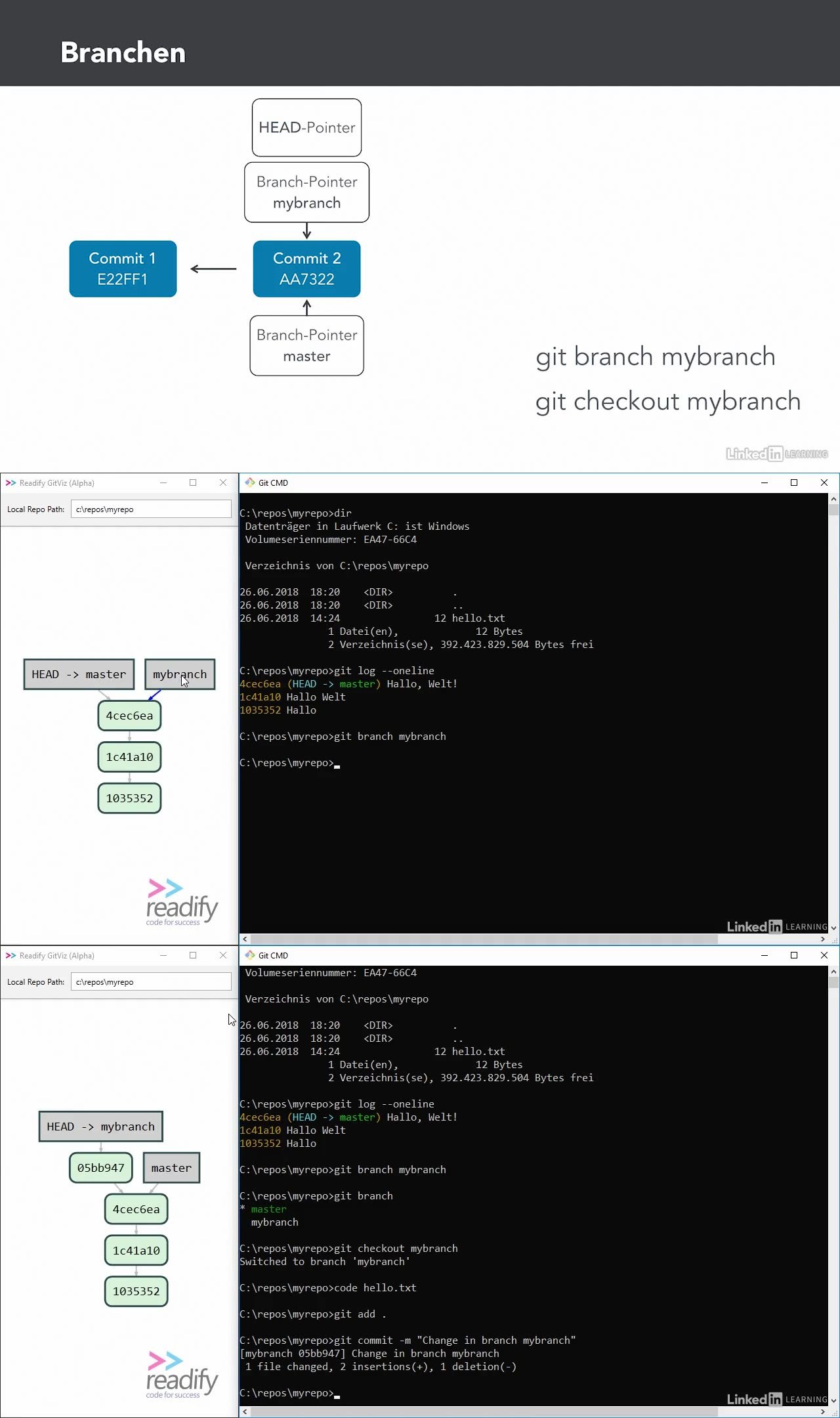
Das populäre Versionskontrollsystem Git ist schnell, leistungsfähig und plattformunabhängig. Doch um es optimal nutzen zu können, ist ein solides Grundwissen non Nöten: In diesem umfassenden Video-Training mit Uwe Baumann richten Sie Git ein und lernen die grundlegenden Befehle, um Sourcecode zu versionieren, frühere Versionen abzurufen sowie Änderungen rückgängig zu machen. Danach sehen Sie, wie Sie mittels Branching verschiedene Codevarianten verwalten und per Merging wieder zusammenführen. Abschließend steht die Arbeit mit Git im Team im Mittelpunkt und Sie tauschen Änderungen an gemeinsam bearbeitetem Sourcecode über einen zentralen Server aus.

Mirrors zeigen

  oboom.com share-online.biz rapidgator

{ 0 comments }

Erscheinungsdatum: 29.06.2020
Laufzeit: 2 Std. 48 Min. (21 Videos)
Formate: (Win)RAR,(HD720)MP4,NFO
Kenntnisse: Einsteiger + Fortgeschrittene
Grösse: ca. 415 MB

Beschreibung:

Serverdienste mit Containern effektiv betreiben

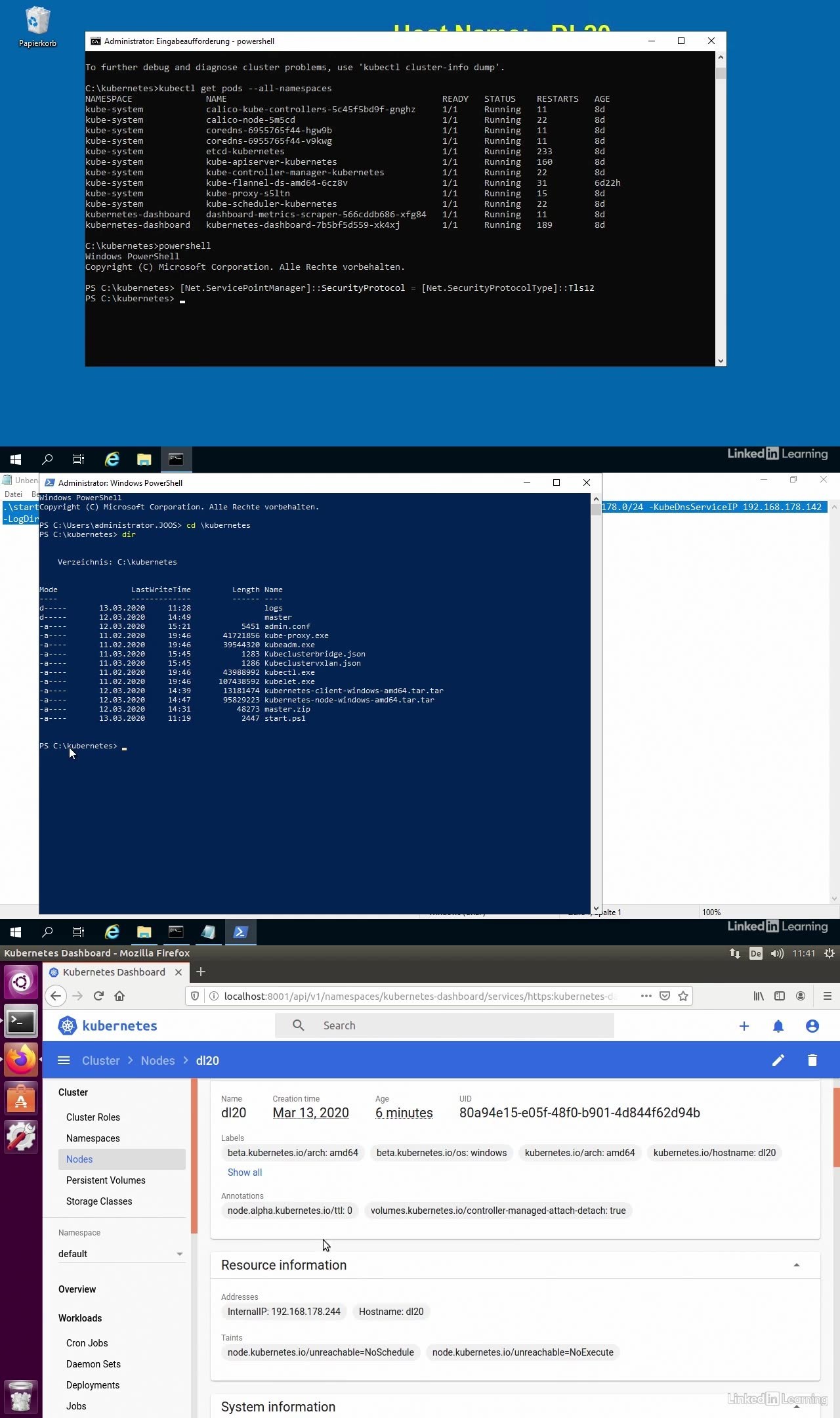
Mit Containern lassen sich Server-Dienste teilweise effektiver betreiben als mit virtuellen Computern. Windows Server 2019 arbeitet optimal mit der Container-Technologie und ermöglicht die schnelle Umsetzung von Container-Projekten. In diesem Kurs möchte ich Ihnen zeigen, wie Sie Windows Server 2019 als Container Host betreiben und kubernetes anbinden. Dabei gehe ich auch auf die Verwaltung mit dem kostenlosen Windows Admin Center ein und wie Sie kubernetes mit Windows zusammen einsetzen. Auch die Erstellung und die Verwaltung von Containern mit Bordmitteln zeige ich Ihnen, und zwar mit Windows und Linux. Mein Name ist Thomas Joos. Ich bin freiberuflicher Consultant im Microsoft-Umfeld und Autor zahlreicher Fachbücher und Fachartikel. Ich beschäftige mich mit dem Windows Server seit Windows NT. Lassen Sie uns nun loslegen, wobei ich Ihnen empfehle, die einzelnen Lernschritte in einer Testumgebung gleich mitzuvollziehen, um einen maximalen Lernerfolg zu erreichen.

Docker Container erlauben nicht nur Entwicklern Effizienzgewinne bei der Umsetzung ihrer Projekte, auch Administratoren profitieren von Containern, die manche Serverdienste effektiver bereitstellen können als eine VM. Thomas Joos zeigt Ihnen in diesem Kurs den Betrieb von Windows Server 2019 als Container-Host und erklärt Ihnen die Anbindung an einen Kubernetes Cluster. Dabei geht er aber auch – für den Fall, dass Kubernetes eine zu aufwändige Lösung wäre – auf Docker Swarm ein. Weitere Themen sind Hyper-V- und Linux-Container und die verschiedenen Möglichkeiten der Anbindung von Containern an ein Netzwerk.

Mirrors zeigen

  oboom.com share-online.biz rapidgator

{ 0 comments }